BUILT & BUILDING / 03
Vendor Onboarding & Payment Controls
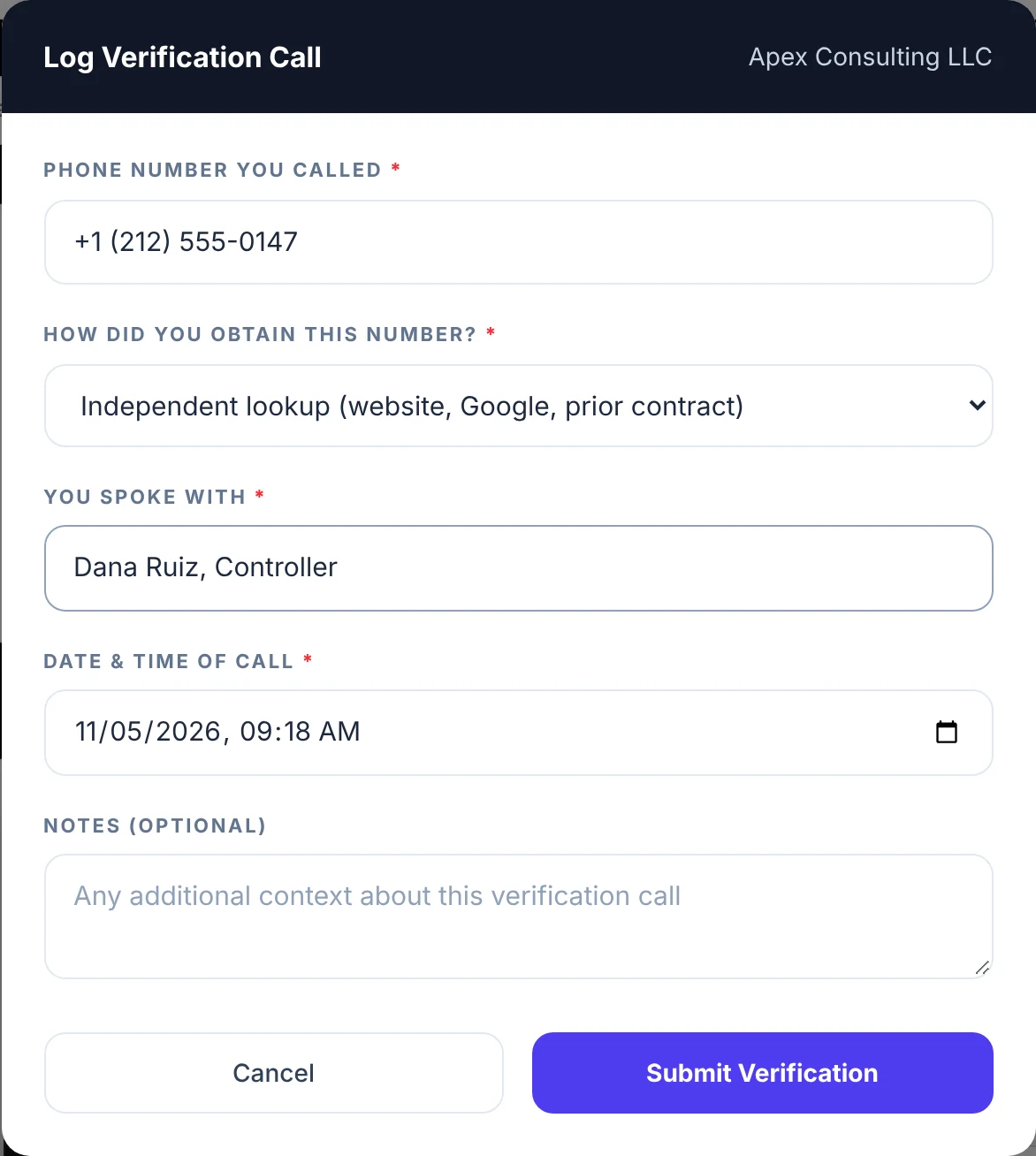
Start working with a new vendor the day their name shows up. Pay them only after someone has called a number they found independently and confirmed the bank details. The software holds the line so a busy person doesn't have to.
WHY IT MATTERS
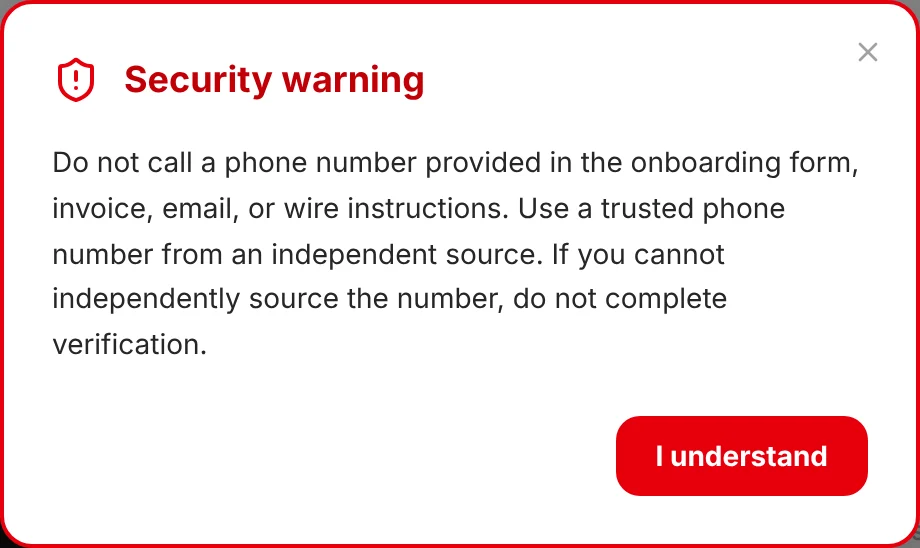
- Payment fraud usually arrives as a routine email. "We changed banks, please update." The defence is a phone call to a number you found yourself. This makes that call a required step, not a good habit.
- Setup and payment are separate gates. A new vendor can be tracked and assigned work immediately. Money is the only thing that waits.
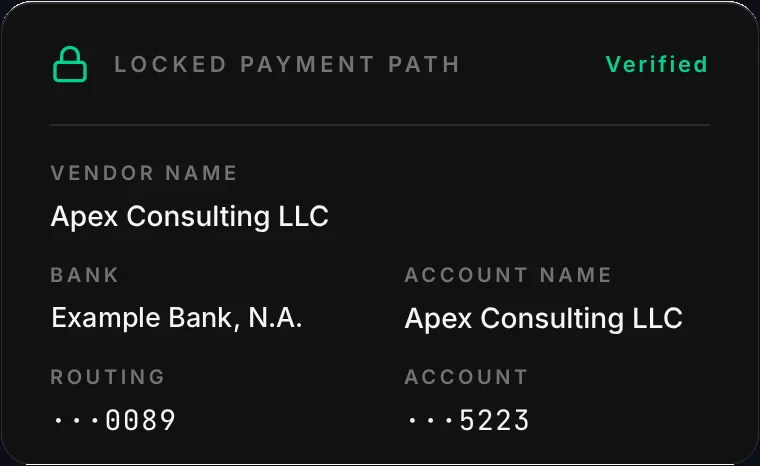
- One card, everywhere. The payment details look the same wherever someone approves, and full account numbers are never shown on screen.
The walkthrough
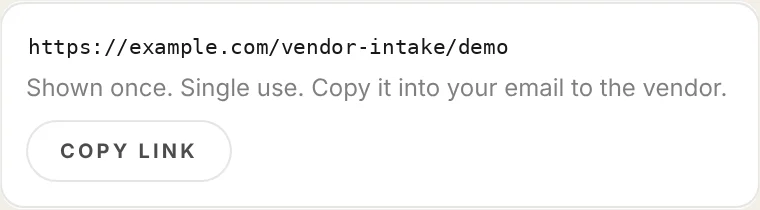
SYNTHETIC DATA Captured from the working software running on test data only. The company, the person, the bank and the numbers are made up. The bank name and the link address were edited for publication.

WHAT THIS PROVES
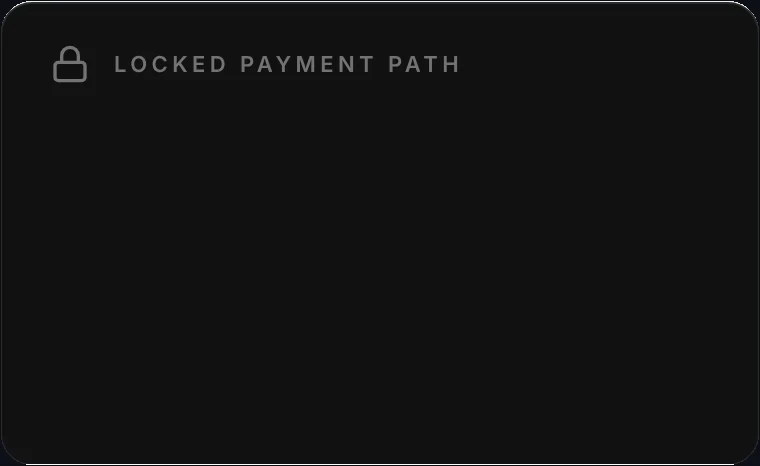
Payment controls: a vendor can be set up immediately, but nothing is releasable for payment until onboarding is complete and the current bank instructions are verified by phone.
Built
- Single-use onboarding links, the vendor form, the security warning, the verification-call log and the locked payment card run in the real software.
- Captured against a test backend with synthetic data only.
Not yet
- No real banking data is stored yet. That waits on production-grade key management and real authentication.
- Outbound email and a live payment integration are not built yet.
Paying vendors on trust and email? Let's put a gate on it.
ASK FOR A WALKTHROUGHThirty minutes, on a screen share or at your office in Dallas.
Or write to bluedottechnology [at] outlook [dot] com